Design the insert and the shell labels for a real mixtape — import a playlist, drop in the artwork, and print at exact size so it folds and fits the case.
Free for 7 days or 10 cards, no payment info needed. Then buy it once for $2.99, or $2.99 a month.
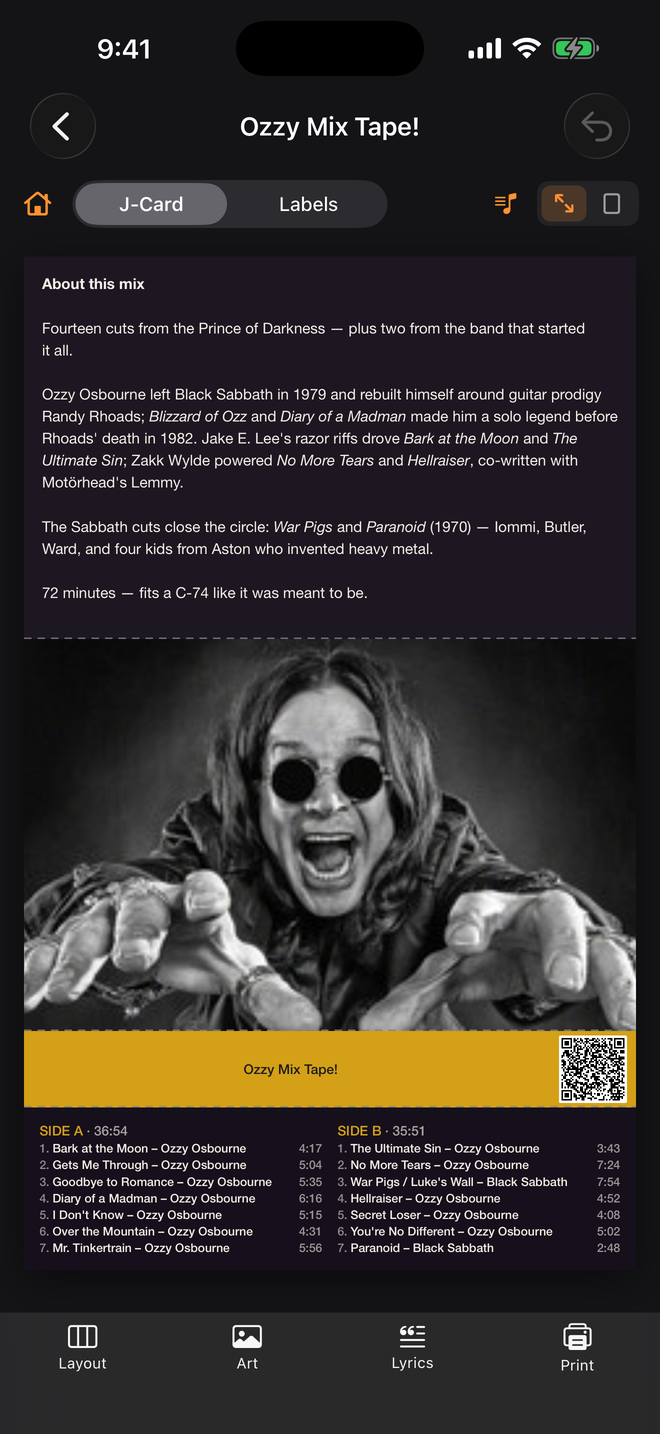
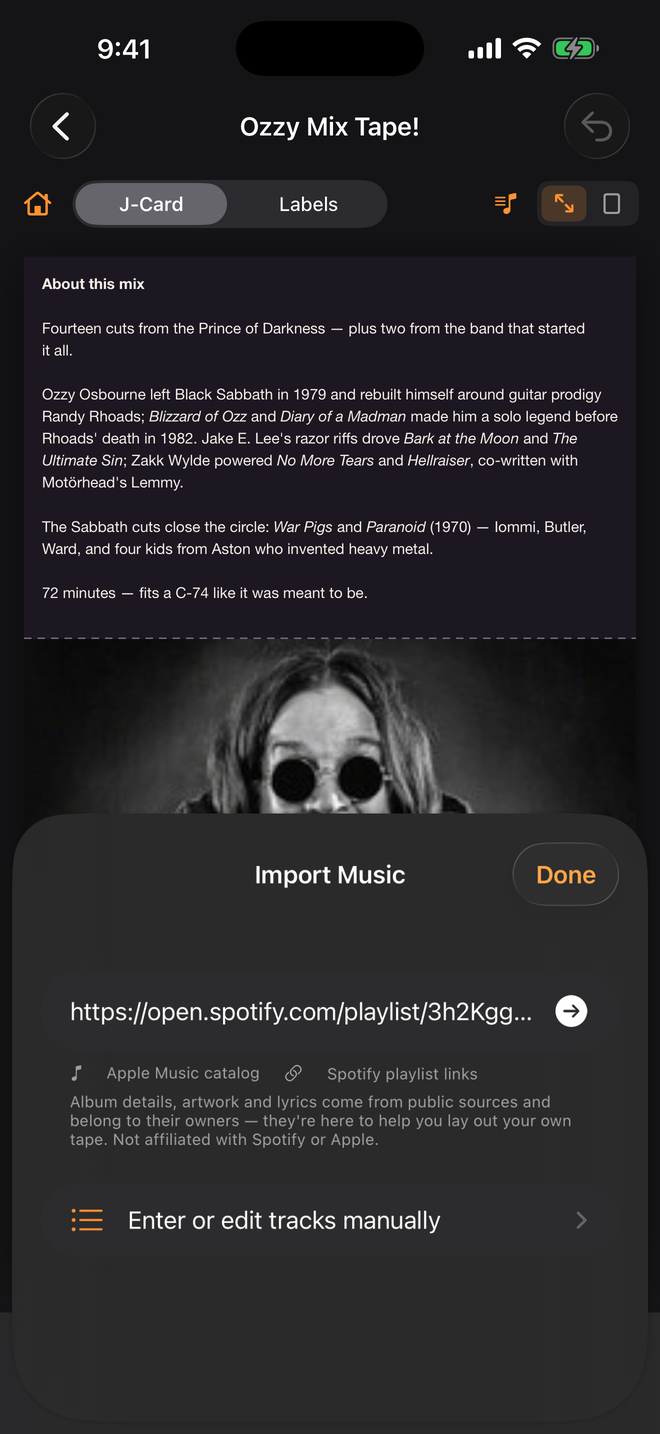
Copy the share link of any public Spotify playlist and drop it into J-Card Studio. Every track, running time and the cover art arrive on the card, already split across Side A and Side B like a real tape. A QR code on the spine takes whoever holds the tape straight back to the playlist.
Not affiliated with or endorsed by Spotify AB or Apple Inc.
Start from a playlist you already have, or type it in by hand. Either way you end up with a card that prints at the right size the first time.
Paste a public Spotify link or search the Apple Music catalog. Titles, artists and run times fill in and split across Side A and Side B automatically.
Put a scannable code on the spine that opens the original playlist. Hand someone the tape and they get the streaming version too.
Pull cover art automatically or use your own photo. Drag it into place, pinch to zoom and twist with two fingers to rotate — it snaps square when you let go — across the front, spine and back flap.
Full-screen lyric editing with type that auto-fits the panel, plus generated liner notes with real trivia about the artists on the tape.
An exact-scale PDF with cut and fold guides, plus a printed calibration ruler — so what comes out of the printer actually fits a real case.
Side A and Side B labels built from the same design, sized for a real cassette shell. Nothing to re-type.
Paste a Spotify playlist link, search Apple Music, or enter the tracks yourself. Durations and side totals are worked out for you.
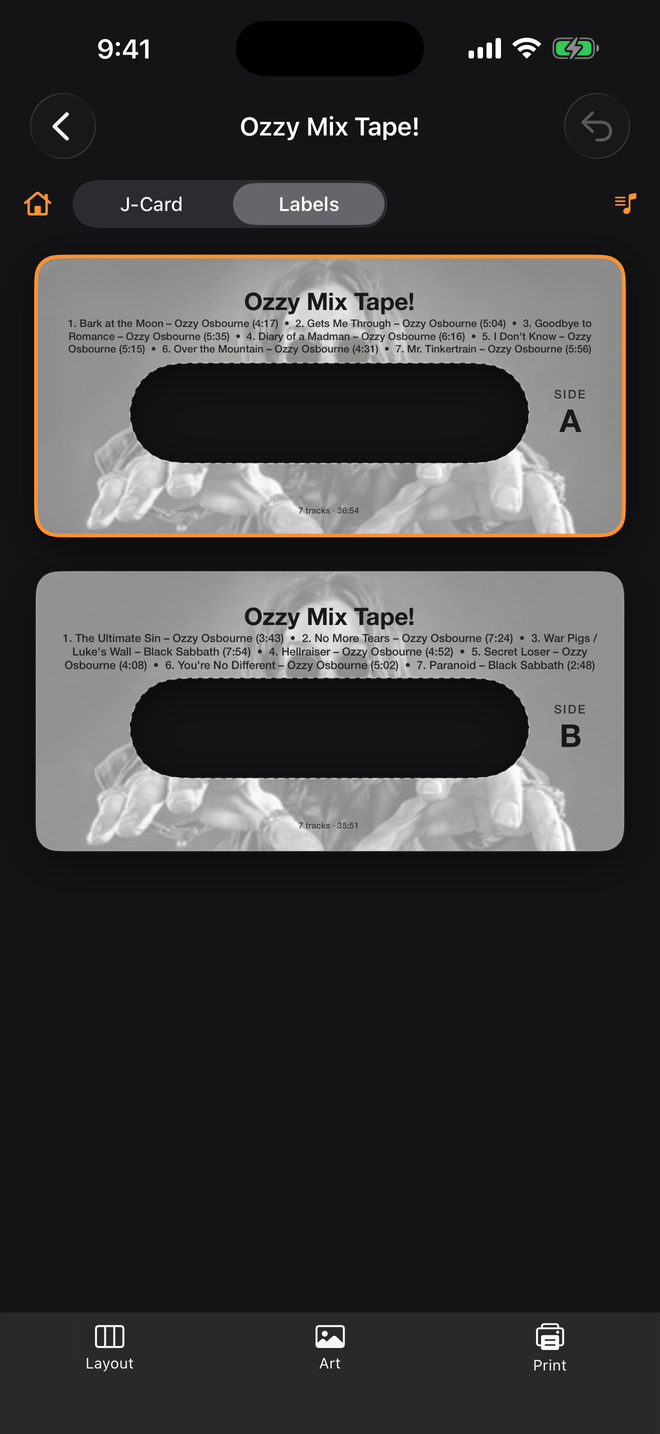
Set the artwork, colors, fonts and panels. Add lyrics or liner notes. The matching shell labels update at the same time.
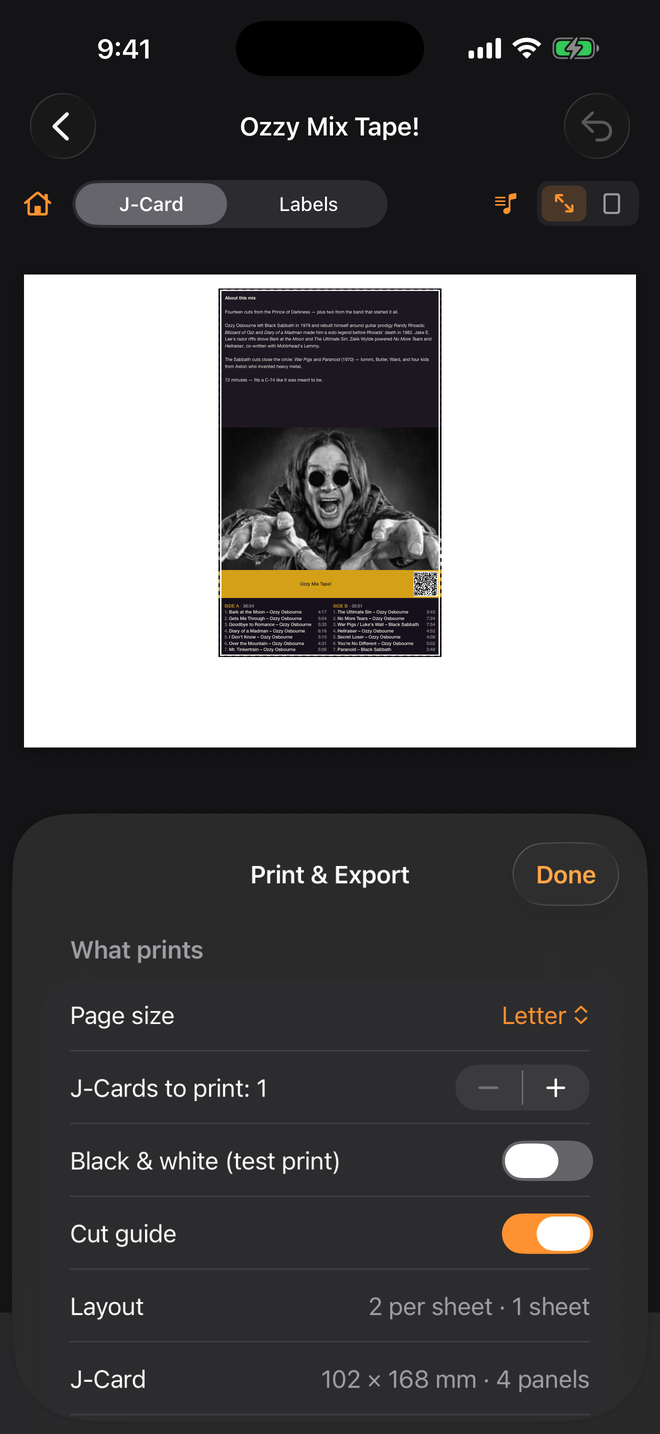
Preview the real page, then print straight from your phone with AirPrint or save a PDF. Cut on the guides, score the folds, done.
Most card generators hand you an image and wish you luck. J-Card Studio builds a true-dimension PDF and prints the proof right on the page.
Designing is always free. Printing and exporting finished cards is what you pay for, and you choose how.
Up to 10 printed or exported cards. No payment info, and nothing converts automatically — when the trial ends, printing simply pauses until you pick a plan.
Yours for good. Print or export up to 10 cards every calendar month, forever.
For the prolific. Unlimited printing and exporting, cancel anytime.
The two paid options are independent — neither requires the other. Purchases are billed through your Apple ID on iPhone, iPad and Mac. The Android version will offer the same two options through Google Play.
No. Album search uses Apple's public catalog, and playlist import reads the public page for a link you paste — no account, no sign-in. You can also type a track list in by hand.
There are no accounts of any kind. The app needs a connection only while you search for music, artwork or lyrics. Designing, printing and exporting all work offline.
160–200 gsm matte cardstock gives the best feel and folds cleanly. Shell labels are designed for full-sheet label paper such as Avery 8165. Always print at 100% — never "fit to page" — and check the printed ruler with a real one.
Any AirPrint printer works from iPhone or iPad, and you can export a PDF for any other printer or a print shop. The calibration ruler on each sheet tells you instantly whether your printer is scaling the page.
The trial runs 7 days or 10 printed cards, whichever comes first. It never converts on its own and never asks for a payment method — printing just pauses until you either buy the app once ($2.99, 10 cards a month) or subscribe ($2.99/month, unlimited). Your designs always stay yours.
Yes. One purchase or subscription covers iPhone, iPad and Mac for the same Apple ID. Use Restore Purchases in Settings on a new device. Google Play purchases are separate and cover your Android devices.
It's on its way to Google Play with the same design tools, the same Spotify and Apple Music import, and the same prices. In the meantime the Web Studio runs in any browser.
J-Card Studio is on the App Store now, free to try. Android is next.
Download on the App Store J-Card Studio